MiniMax-H3-Character-Swap-LoRA
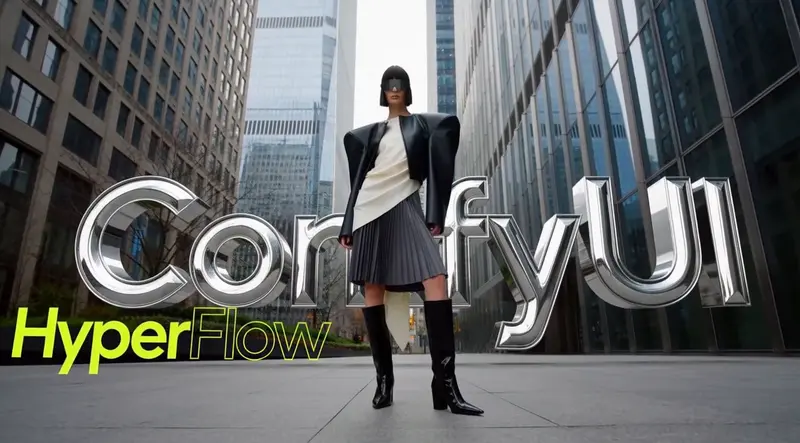

面向MiniMax H3视频模型的专用角色替换LoRA,依托H3 Relay 2.0在ComfyUI搭建端到端工作流,实现“参考图换脸/换角色,保留原视频表演动作”。项目尚在实验阶段,适合短镜头创作,长视频、复杂遮挡场景存在不稳定问题。
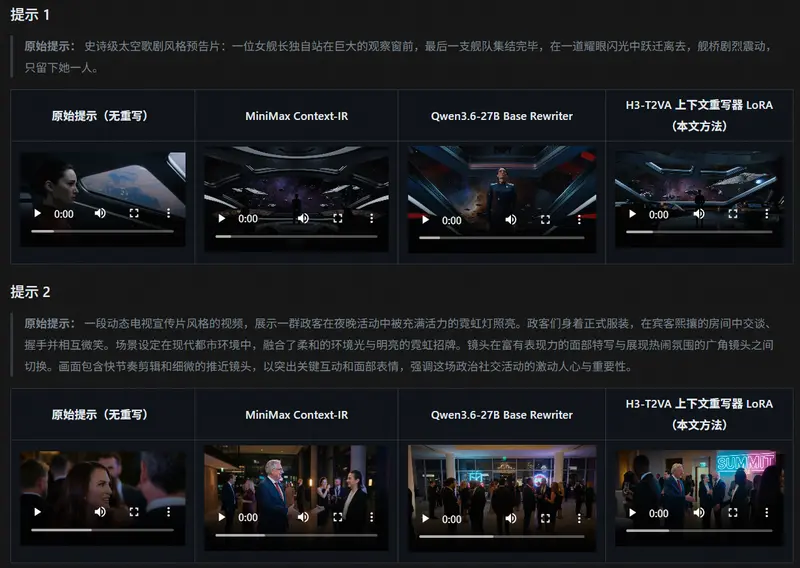

MinimaxH3CinematicRealism 是针对 Minimax H3 视频模型专门训练的风格 LoRA。它的核心作用,是解决 AI 生成视频常见的塑料感、AI 失真问题,直接在模型生成阶段调整光影、色彩、胶片颗粒与镜头语言,让成片拥有真实电影质感。

Minimax H3 真实电影质感(MinimaxH3CinematicRealism) 是一款专为 Minimax H3 视频生成模型设计的风格微调 LoRA。它的核心使命是消除 AI 生成视频中常见的“塑料感”和“数码味”,通过深度调整光影逻辑、色彩倾向、胶片颗粒度以及镜头语言,使输出画面在美学上无限逼近真实电影质感。
DY整个流程分为三步:安装依赖节点、下载权重、加载工作流。
请将以下仓库克隆至 ComfyUI/custom_nodes 目录下,并重启 ComfyUI:
cd ComfyUI/custom_nodes

# 基础增强与实用工具
git clone https://github.com/yolain/ComfyUI-Easy-Use.git
git clone https://github.com/kijai/ComfyUI-KJNodes.git
git clone https://github.com/pythongosssss/ComfyUI-Custom-Scripts.git
git clone https://github.com/rgthree/rgthree-comfy.git

# Minimax H3 专用优化节点
git clone https://github.com/T8mars/comfyui-minimax-h3-blockcache-T8.git
git clone https://github.com/wjc573/ComfyUI-H3LatentUpscale-jingchen573.git
git clone https://github.com/LBH-123-AI/Comfyui_Minimax_h3_latent_Upscaler.git
提示:安装完成后请重启 ComfyUI,确保控制台无报错信息。
MinimaxH3CinematicRealism.safetensors(或类似命名的 LoRA 文件)。ComfyUI/models/loras/