Fix JPEG artifacts compression lora

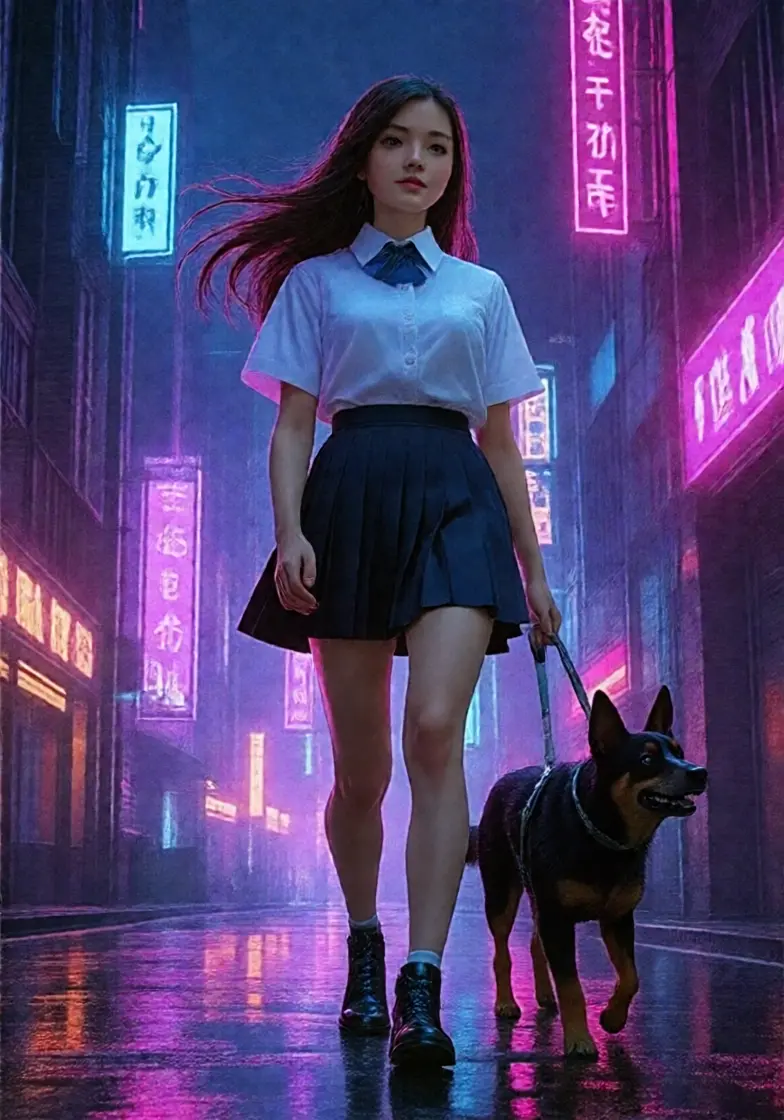
Fix JPEG artifacts compression lora是一款基于图像编辑模型Flux Kontext开发的微调LoRA模型,此模型是用来修复JPEG压缩伪影。
BFS (Best Face Swap) 是一套专为 Qwen Image Edit (2509/2511) 和 Flux 2 Klein (4b/9b) 模型设计的 LoRA 集合。它旨在实现极高保真度的面部替换与完整的头部转移,同时确保肤色自然融合、光照一致以及解剖结构的合理性。
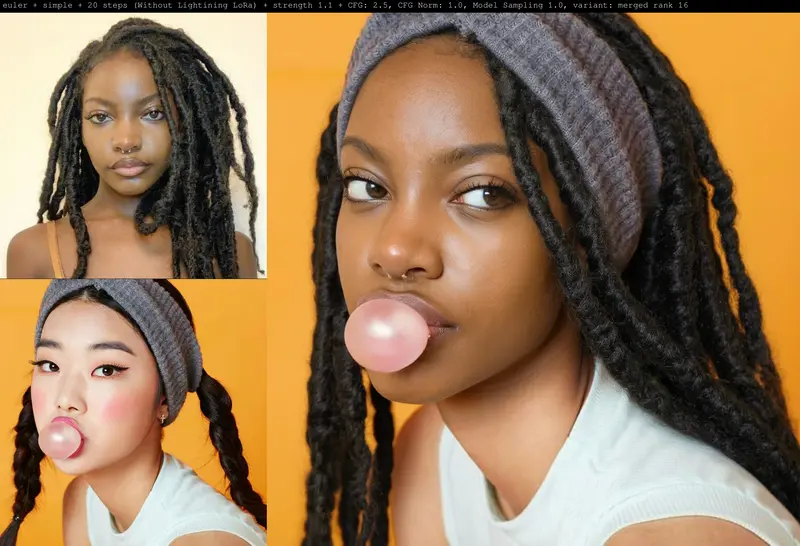
BFS (Best Face Swap) 是一套专为 Qwen Image Edit (2509/2511) 和 Flux 2 Klein (4b/9b) 模型设计的 LoRA 集合。它旨在实现极高保真度的面部替换与完整的头部转移,同时确保肤色自然融合、光照一致以及解剖结构的合理性。
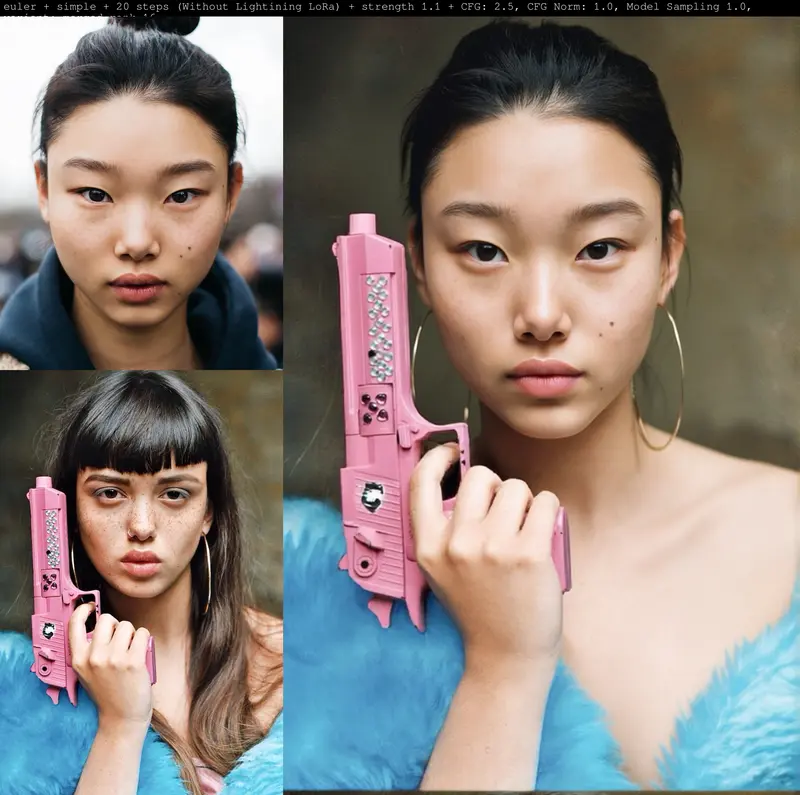
从细微的面部特征交换到包含发型和头骨结构的完整头部迁移,BFS 系列提供了不同层级的解决方案,能够无缝集成到现有的图像编辑工作流中。
| 版本 | 适用模型 | 核心特性 | 输入顺序 (Img1 -> Img2) |
|---|---|---|---|
| BFS Face V1 | Qwen IE 2509 | 仅交换面部区域,保留目标对象的头发、光照和背景。 | 面部 -> 身体 |
| BFS Head V1 | Qwen IE 2509 | 完整头部交换(含头发),与目标身体自然融合。 | 面部 -> 身体 |
| BFS Head V2 | Qwen IE 2509 | 改进的肤色匹配、姿态对齐及解剖一致性。 | 面部 -> 身体 |
| BFS Head V3 | Qwen IE 2509 | 更稳定准确,输入顺序反转。 | 身体 -> 面部 |
| BFS Head V4 | Qwen IE 2509/2511 | 更强的表情迁移能力与鲁棒性,输入顺序反转。 | 身体 -> 面部 |
| BFS Head V5 | Qwen IE 2511 | 最新版本,支持原始版与合并版(V4+V5),表情重现更佳,输入顺序反转。 | 身体 -> 面部 |
| BFS Head V1 | Flux 2 Klein 4b/9b | 针对 Flux 架构优化,输入顺序反转。 | 身体 -> 面部 |
⚠️ 重要提示:从 Head V3 开始,包括所有 Flux 版本,输入图片的顺序均发生了反转。请务必在连接节点时注意:Image 1 应为目标身体(Base),Image 2 应为源面部(Source)。
作为 Qwen Image Edit 2511 工作流的最新成果,V5 提供了两种变体:
为了获得最佳效果,建议根据版本使用特定的提示词结构:
face swap face from Image 1 to Image 2.swap only the face (not the hair), match the skin tone to Image 2, keep Image 2 pose and lighting.head swap from Image 1 to Image 2 with perfect skin matchHead swap from Image 1 to Image 2, keep all facial details and hair from Image 1, blend naturally with Image 2's body.head_swap: start with Picture 1 as the base image... remove the head from Picture 1 completely and replace it with the head from Picture 2... blend the skin tones, shadows, and lighting naturally...h34d_sw4p: replace the head of Picture 1 by the head from Picture 2, strictly preserving the identity... ensure the new head mimics the identical expression, angle, and rotation found in Picture 1.head_swap: start with Picture 1 as the base image... replace it with the head from Picture 2, strictly preserving the hair, eye color, and nose structure of Picture 2. copy the eye direction, head rotation, and micro-expressions from Picture 1. high quality, sharp details, 4kcopy the direction of the eye, head rotation, micro expressions from Picture 1。micro-expressions 或 eye direction。match lighting 或 natural blend 有助于提升最终的真实感。